App development is often seen as a linear process with a start and finish: it begins with the planning and design, and ends with a successful submission to the Play Store. The reality is that post-launch maintenance is equally as important as the development, with many potential risks and consequences for apps that are left untouched.
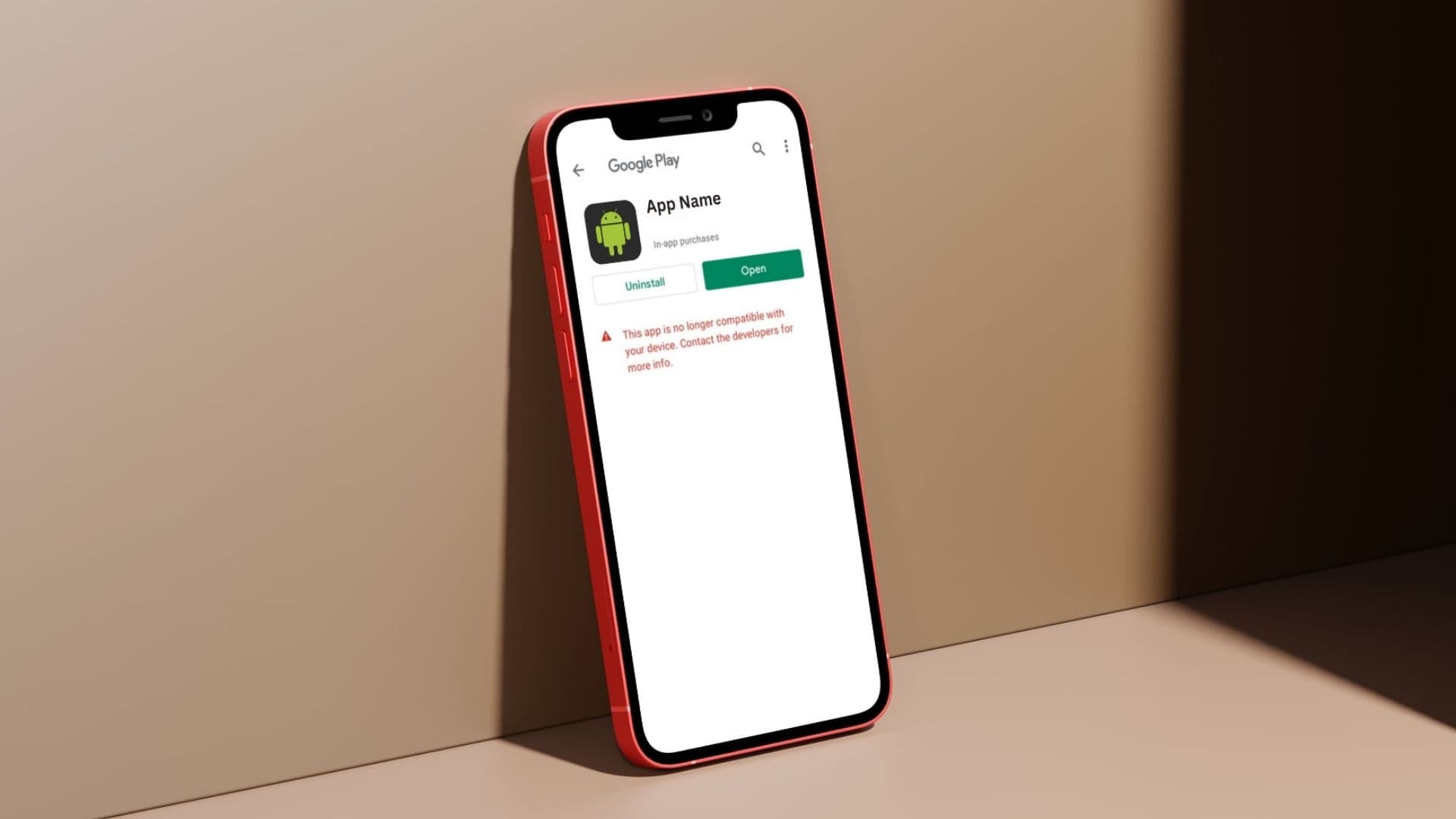
As developers who work with both brand-new apps and retainer projects, we see these consequences first-hand quite often. Take, for example, the case of updating a client’s app to support Android 16: the codebase had not been touched since 2020, and Google had stopped offering the app to modern devices. It's a pattern we see regularly in app maintenance work - and it almost always costs more than it should.
We estimated two days for this app’s upgrade. The reality was closer to a week.
Why Deprecated Libraries Turn a Simple Update Into a Rebuild
This project was one of the unlucky ones, and this mostly comes down to the use of third-party libraries. Almost all Android apps rely on libraries and dependencies to provide functionality, ranging from visual features to backend database/server logic - and as the Android world is constantly evolving, so do the libraries.
A good, well-maintained library will be updated regularly, and a good app should also update its library versions frequently. One of the greatest risks of libraries - particularly third-party ones - is security vulnerabilities. When a danger is exposed, the library will usually be updated to make it more secure, but unless the app that uses this library is updated, it will still contain that vulnerability.
Libraries are only as good as their updates - and quite often, they are left to become stale and outdated. Official Google libraries are also not immune to this, as they can be deprecated (no longer maintained) and not recommended for use anymore. In these cases, the best option is to replace unmaintained libraries with newer ones.
The project in question relies heavily on libraries, one of which - an official library from Google - was deprecated a few years ago. Finding and implementing a replacement for this library is where most of the work came from, as it quickly turned from a simple ‘switch out the library’ to rewriting a whole chunk of functionality.
What Happens When You Don't Update Your Android App
Leaving an Android app without regular maintenance creates compounding risks - and the longer you wait, the worse it gets:
- Older libraries are more likely to contain security vulnerabilities
- Google can remove your app from the Play Store - or stop showing it on modern devices if it doesn't target a recent SDK version
- You can't publish any updates (including critical bug fixes) until the app meets current Play Store requirements
- Updating an app becomes more difficult/costly the longer it’s left
How Often Should You Update Your Android App?
Android version upgrades (supporting the latest OS version) should be done annually, in order to keep up with the Play Store’s guidelines and avoid compliance issues, whereas library updates can be done more frequently. Keeping on top of an app’s status and doing small, regular updates helps stop a two-day job spiraling into a week of untangling old, deprecated code.
What to Check During an Android App Health Check
- Target SDK version - is your app supporting the most recent Android version? If it’s below the Play Store’s minimum (usually the version before the most current release) then you won’t be able to publish any updates until it’s been upgraded.
- Library / dependency versions - do any libraries have any major version updates available? Are any libraries deprecated/no longer receiving updates?
- Deprecated code warnings - while most code deprecations won’t break your app, they can cause problems/further work in the long run, and newer code solutions generally perform better and are more secure.
Prevention Costs Less Than a Rescue
The project we've described here is a common story.
A business launches an app, it works well, and maintenance drops off the radar. Two or three years later, Google's requirements have moved on, libraries have been deprecated, and what should be a routine update turns into a significant rebuild.
We see this often enough that we now offer app maintenance retainers specifically designed to prevent it - regular check-ups that keep your app compliant, secure, and ready for whatever Google releases next.
If you're not sure where your app stands against current Play Store requirements, get in touch for an Android app health check.
We'll review your target SDK version, flag any deprecated dependencies, and give you a clear picture of what needs attention - before Google forces the issue.